Getting started
From the first start to the first handwritten sheet.
Before you begin
- Switch on the writing machine and load a few sheets of 80 g/m² paper.
- Insert a pen so that its tip just touches the paper when the holder is down.
- Make sure the machine is in your Wi-Fi network, or connect it by USB cable.
Your first sheet
- Open PenBlitz. In the “Printer” tab, click “Find printer” and take over the address that is found. With a cable, choose “USB cable” instead.
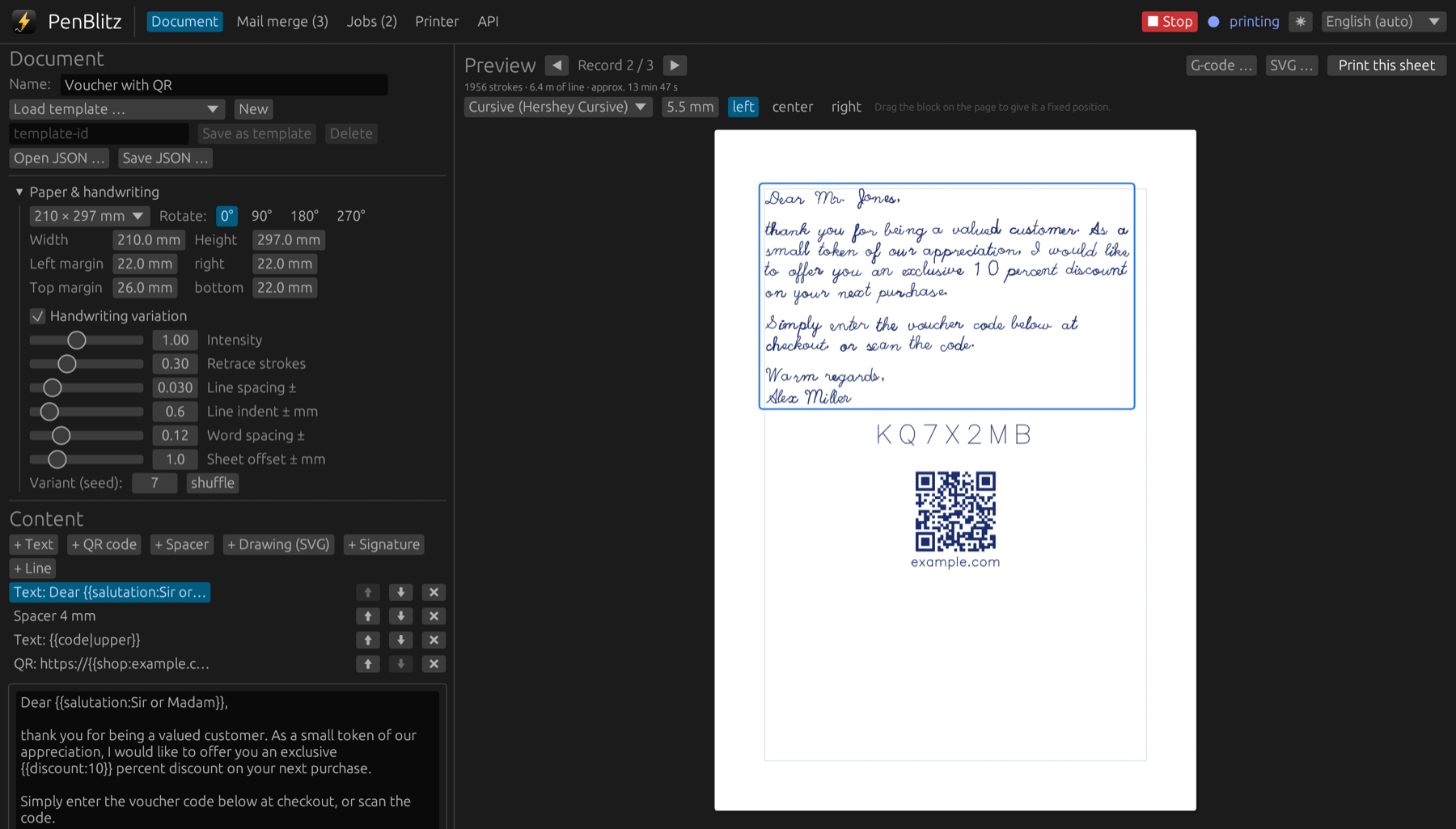
- Go to the “Document” tab and type a few lines.
- Look at the preview on the right. It shows exactly what the pen will write.
- Click “Print this sheet”. The job appears in the “Jobs” tab and the machine starts.
No machine at hand? Choose “Simulation” in the “Printer” tab and try everything without paper and ink.
What next
Print the calibration page once to check that everything lands where the preview shows it. Then load your first recipient list in the “Mail merge” tab.