Connect the printer
Wi-Fi or USB cable: how PenBlitz finds your machine.
Over Wi-Fi
- Mac and machine must be in the same network.
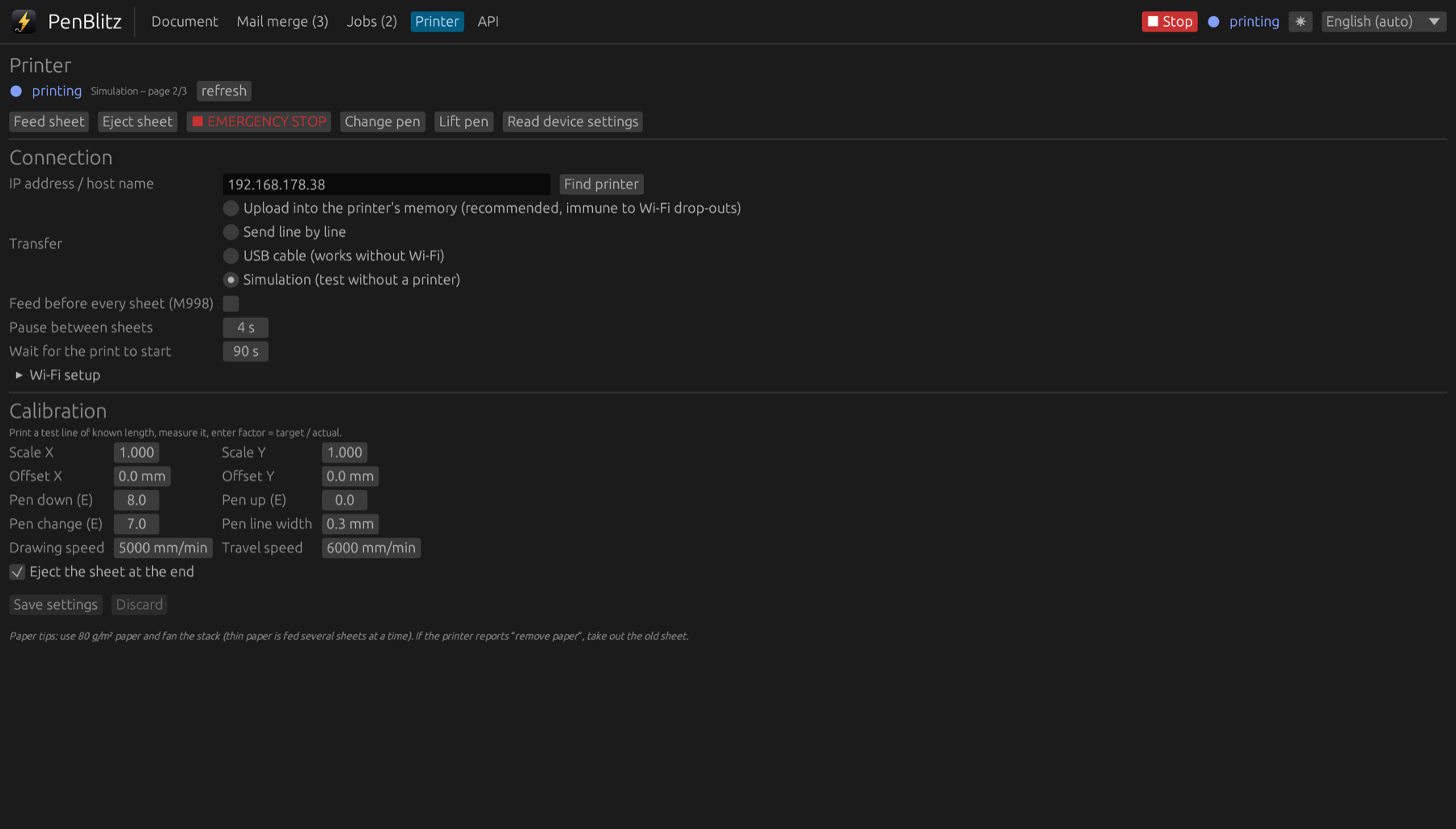
- In the “Printer” tab, click “Find printer”. PenBlitz searches the network and shows the address of the machine.
- Click “Use this address” and save the settings. The status at the top right turns to “Printer ready”.
Putting the machine into your Wi-Fi
The machine remembers one Wi-Fi network. To change it, open “Wi-Fi setup” in the “Printer” tab, enter the name and password of the network and send them to the machine. Check both carefully: with wrong data the machine can no longer be reached over Wi-Fi.
With a USB cable
- Connect the machine to the Mac with a USB cable and switch it on.
- In the “Printer” tab, choose “USB cable” as transfer and save.
- PenBlitz finds the port by itself. If several USB adapters are connected, enter the right one next to the option.
Over USB the machine does not report its state. PenBlitz shows whether the cable is there, but messages such as “no paper” are only available over Wi-Fi.