
Job queue
Queue as many jobs as you like. PenBlitz prints them sheet by sheet and keeps you informed.
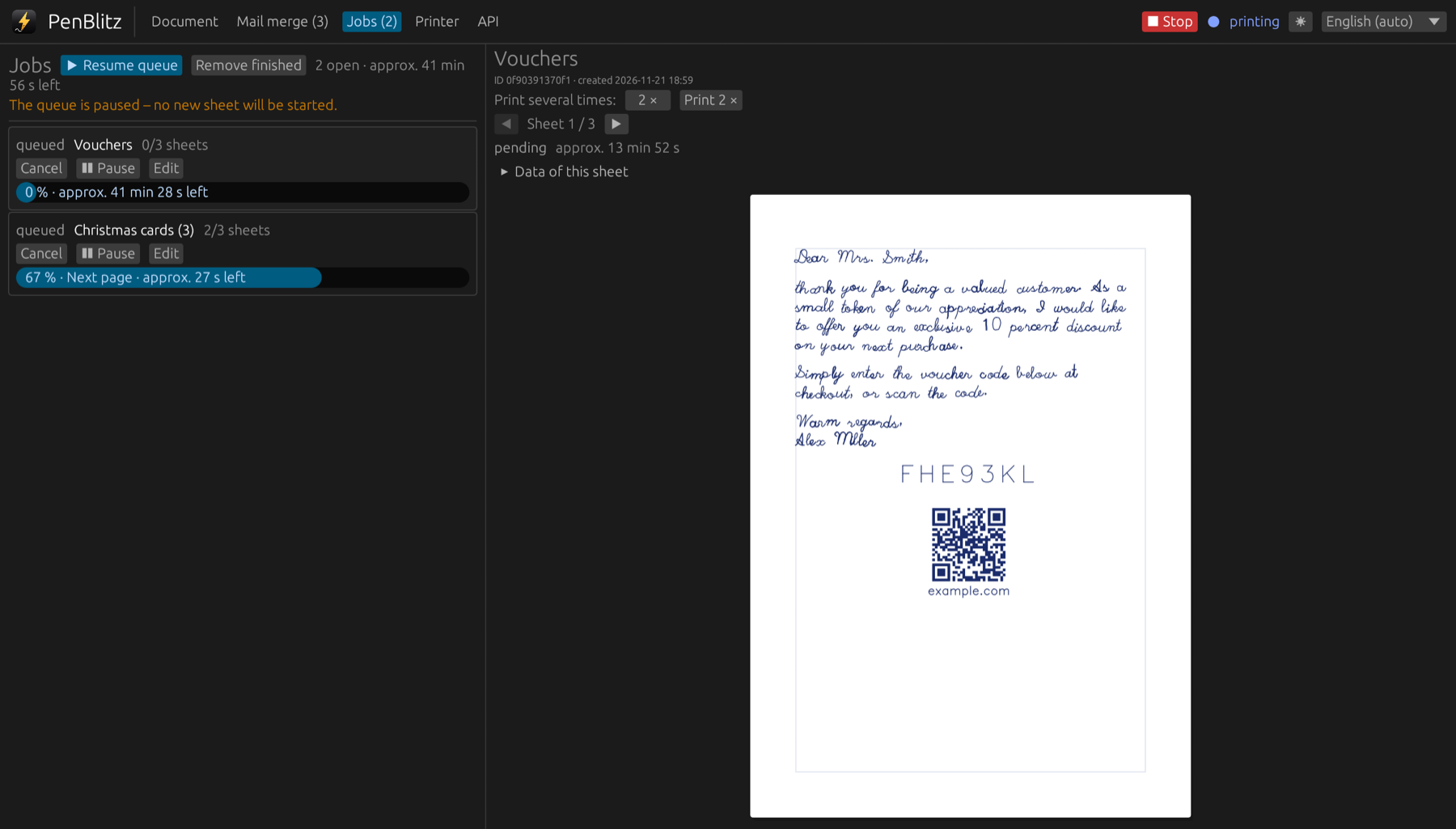
Always know where you are
- Progress and remaining time for every job.
- A large preview of each sheet of the selected job.
- Start a job later, at a time you set.
Change your mind
- Pause after the current sheet, resume, or cancel at once.
- Open a waiting job in the editor, adjust it and send it back.
- Print a finished job again, once or several times.
When something goes wrong
If a sheet fails, the job stops and tells you why: no paper was fed, the connection dropped, the machine reported an error. Fix it and print just the remaining sheets.
Coming soon to the Mac App Store
Requires macOS 11 or later and a UUNA TEK / Kvenjoy writing machine with K_AT firmware.