AI assistants
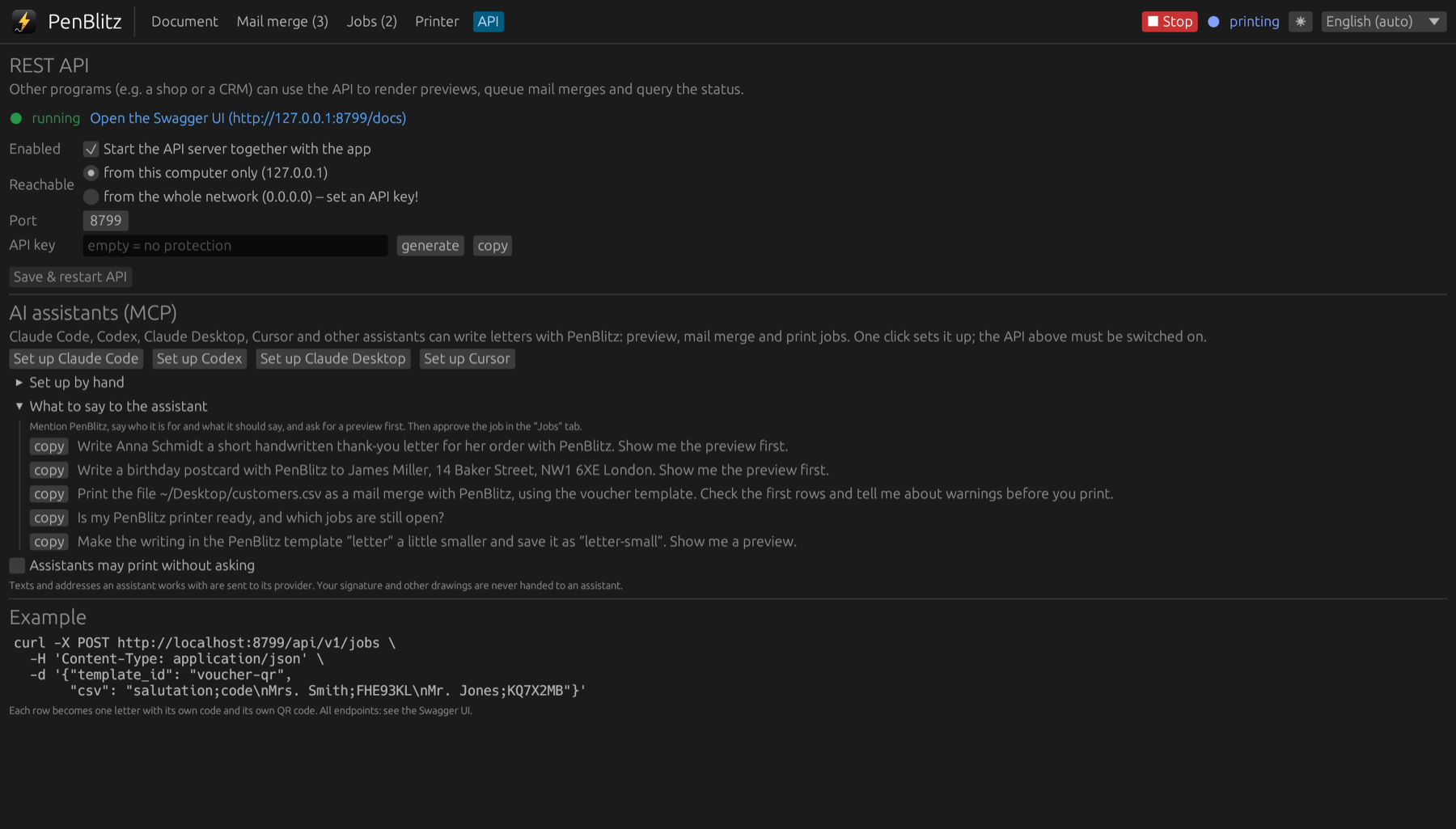
Tell Claude Code, Codex, Claude Desktop or Cursor what to write. PenBlitz does the rest, and nothing prints without your approval.
Just say what you want
“Write Anna Schmidt a short thank-you letter for her order. Show me the preview first.” The assistant picks a template, fills it, looks at the preview and creates the print job.
One click to connect
PenBlitz registers itself with your assistant from the app. It speaks the Model Context Protocol (MCP), so any program that supports MCP can use it.
You approve every print
- Jobs from an assistant wait in the app until you approve them. You can switch this off; the assistant cannot.
- Margins and postal rules are enforced: what an assistant places too close to the edge is moved back in.
- Signatures and other drawings are never handed to the assistant.
Coming soon to the Mac App Store
Requires macOS 11 or later and a UUNA TEK / Kvenjoy writing machine with K_AT firmware.